















HDD & SSD hard drives
How does a hard drive work?
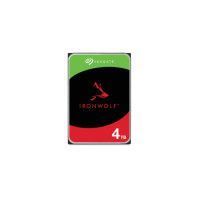
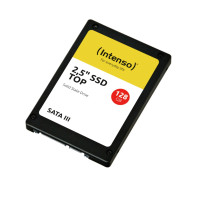
Hard drives serve as our electronic memory. A high-performance hard disk drive (HDD) gives you the ability to store all your important data and retrieve it again at any time. The data are written to the specially coated platter by means of contactless magnetization. In our online shop, we stock both internal and external hard drives from the manufacturers Seagate, Samsung, WD, Toshiba and Captiva. Internal hard drives these days are available with a storage capacity of up to 8 terabytes and external hard drives also with a storage capacity of 8 terabytes. Transfer rates of up to 6.0 gigabits per second reduce to a minimum the wait time when transferring data. The size of a hard drive is measured in inches, and you will find both 2.5" and 3.5" models in our range. The trend, however, is increasingly towards the smaller variant, the M.2 form factor, which is predominantly installed in laptops due to its small size. These models are also available with the SATA or the significantly faster NVMe PCIe interface.
Upgrade for more capacity
Computers can be upgraded to satisfy the latest requirements by replacing the internal hard drive. The volume of data to be processed is constantly increasing, in particular in the world of work. A new hard drive offers sufficient capacity to back up all important documents. Note also the different connection types in the available models. The internal hard drives offer either a SATA, SAS or NVMe PCIe interface.
Backing up important data
External hard drives are also becoming increasingly popular. Nowadays people are using not only a laptop but also digital cameras, smartphones, and perhaps an additional tablet. Everyday data that need to be stored, for example photos or videos, are being collected on all these devices. An external hard drive is the ideal place to bring together backups, photos, films, videos and documents. It is especially often used to collect data that you don’t need every day but would still like to back up safely. Most external hard drives no longer require a power supply but run via the USB connection. This is convenient when working on the go. Within companies, it pays to collect all relevant data on so-called network attached storage (NAS) devices. This hard drive for home networks can be conveniently shared with all network users, and allows users to quickly and easily exchange data.